
Make Your Badges Work Harder With These Practical Design Tips

Think of your badge as a quiet traffic controller, keeping people — and your day — moving in the right direction.
Whether you’re managing a hospital, an office complex or an event venue, a clear, well-designed ID badge helps people get where they need to go safely and quickly. You don’t need a design degree to build an effective badge program. You just need a few smart, field-tested rules that make badges readable, consistent and durable, no matter where they’re used.
Let’s look at some simple ways to design ID badges that work beautifully in the real world.
How to Make Your ID Badges Readable — Even from Six Feet Away
Before thinking about color or layout, start with one question: Can someone read it from six feet away? If not, it’s time to go bigger, bolder and simpler. A badge should communicate key details before anyone says a word.
Here’s how to keep clarity front and center:
- Establish a clear hierarchy. Company name, person name, role, photo, ID number — in that order, every time. Consistency helps security staff find the right info instantly.
- Use legible type and contrast. Large, clean fonts with dark-on-light (or vice versa) contrast make badges easier to read under any lighting. Skip decorative fonts and busy backgrounds.
- Guide the viewer’s eye. Think like the person checking badges after a long shift. Make sure the name and role stand out first, not the logo.
Use Color Coding to Keep Roles Clear and Access Secure
Color can speed up recognition, but it can also create confusion if it’s inconsistent. To make color work for you:
- Limit your palette. Assign unique, distinct colors for critical roles like Security, Visitor or Clinical. Avoid look-alike shades that blur categories.
- Be consistent across sites. If blue means “staff” at one facility, it should mean the same everywhere. Document color values and placement in your badge guide.
- Design for accessibility. Color should never be the only cue. Pair each color with a label or icon so everyone can identify it, regardless of color vision differences.
Get Great Badge Photos to Save Time (and Reprints)
A strong photo policy prevents everything from blurry selfies to shadowed portraits that make verification harder. Good photos improve professionalism and security.
Follow these guidelines:
- Set photo standards. Use even lighting, a neutral background and centered framing. Avoid hats, filters and strong shadows.
- Refresh regularly. Update photos when a person’s appearance or branding changes.
- Mind the placement. Keep eyes in the top third of the badge so they don’t collide with logos or design elements.

Design Visitor and Contractor Badges That Stand Out on Sight
Temporary badges should look unmistakably temporary. If a contractor or visitor can be mistaken for staff, the design isn’t doing its job.
Keep these points in mind:
- Make it bold. Use clear, high-contrast labels like “VISITOR” or “CONTRACTOR” across the top.
- Show only what matters. Include host name, date, access areas or expiration. Resist clutter.
- Plan the workflow. Make issuance and collection easy. At day’s end, have a visible drop box or return process to keep credentials secure.
Put Helpful Info on the Back of Your ID Badges
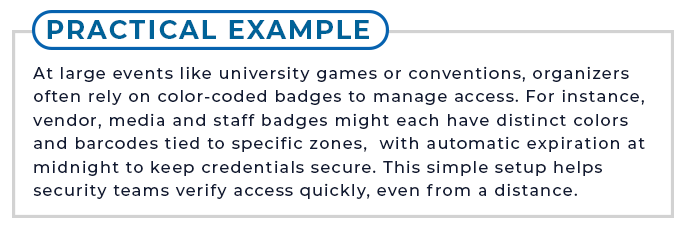
The back of your badge is valuable real estate. Use it for information people might need quickly:
- Emergency contacts or procedures
- Security hotline or lost-badge instructions
- Return-if-found details
- Barcodes or QR codes linked to internal systems
Keep the design clean and legible. If text is small, make sure the contrast is high enough to read easily under fluorescent or outdoor lighting.
Build for Security and Durability from the Start
A badge should hold up to real life. Think about how often it’s handled, scanned or cleaned. Design with durability in mind from day one.
Consider these factors:
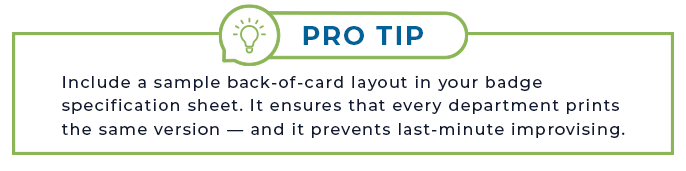
- Choose the right materials. Laminated cards and protective overlays resist smudging, scratches and cleaning chemicals.
- Add tamper-resistant features. For high-security roles, holographic overlays or embedded security marks make duplication harder.
- Plan attachment points. Align clip slots and reels so they don’t cover names, faces or barcodes.
Standardize Your Badge Design Across Multiple Sites
If your organization spans multiple locations, a unified badge design keeps your brand and security consistent.
Here’s how to scale smartly:
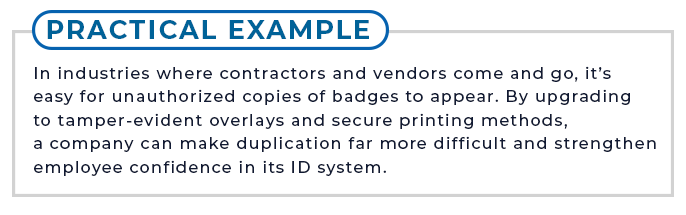
- Create a starter spec. Document layout order, photo rules, role colors and font sizes on a single visual one-pager.
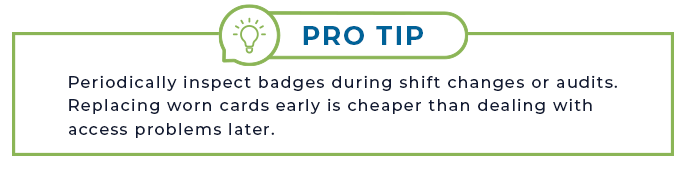
- Set a review schedule. Revisit your design annually or after policy updates. Gather feedback from security and HR before changes roll out.
- Train your teams. Use side-by-side visuals labeled “OK” vs. “Ideal” so staff understand the intent behind each element. Store the latest version in a shared location for easy access.
Keep Your Badge Program Evolving
Good badge design doesn’t sit still. As your organization grows, your needs will change. Your badge standards should evolve with them.
Document your rules, revisit them regularly, and make sure design, HR, and security stay connected. When everyone shares the same playbook, your badges become a tool for efficiency, safety and trust.
A clear, consistent badge program saves time, reduces confusion and strengthens security. Review your current badges with these rules in mind and look for opportunities to simplify or standardize.
